
How to add activities
Log in to MyCPD via the RCPI website.
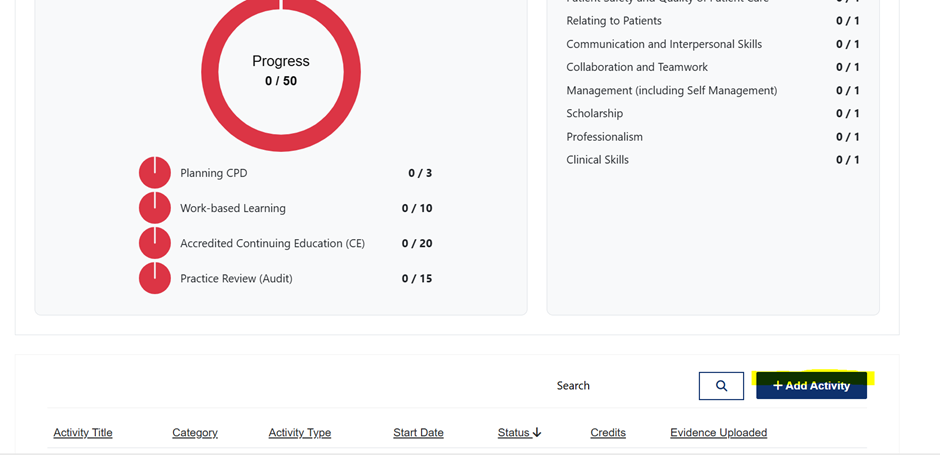
From the dashboard, select Add Activity.
Choose the CPD category:
Work-Based Learning
Practice Review
Accredited CPD
Enter the required details:
Activity title
Date
Number of CPD credits
Click Save.
How to upload evidence
Open the saved activity from your CPD record.
Select Upload Evidence (or the relevant prompt within the activity).
Upload supporting documents, for example:
Certificate of attendance
Audit or QI summary
Reflective note or learning log
Click Save to attach the file to the activity.