1. Navigate to https://www.rcpi.ie/myaccount
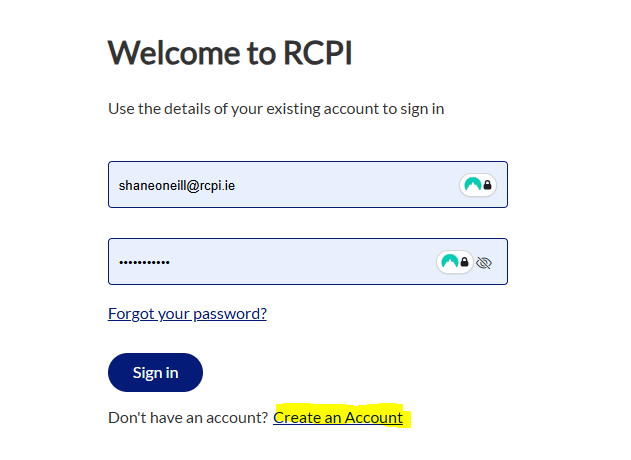
2. Click 'Create an Account'
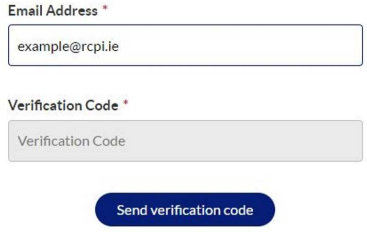
3. Enter email address that you wish to use
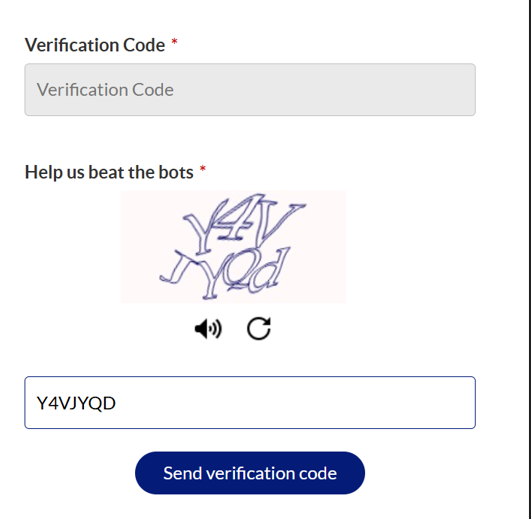
4. Enter Captcha characters
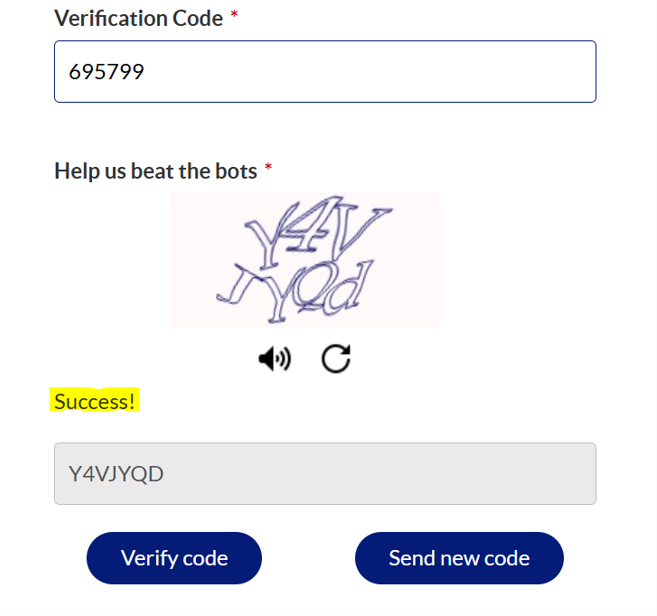
5. Captcha will say success and you will be able to enter your code (You will receive the code in an email to the email address provided) Reminder to check your Junk/Spam.
6. Choose your MFA method App or Email
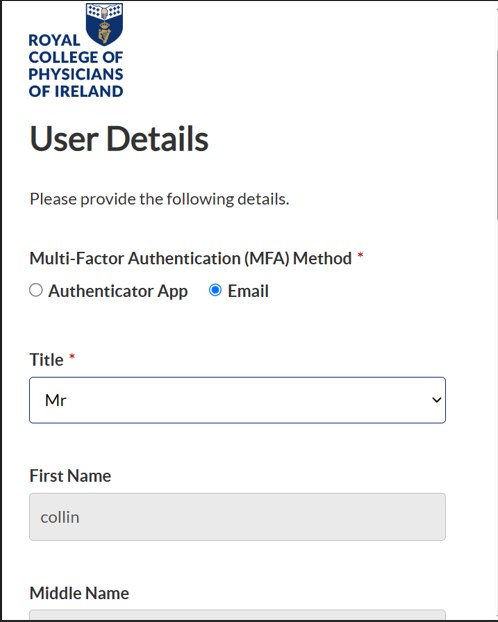
7. Enter a password and confirm.
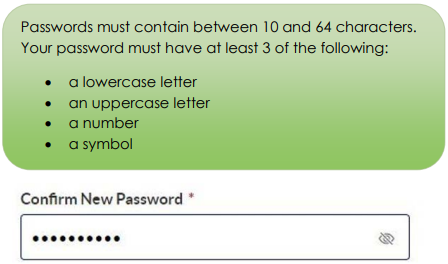
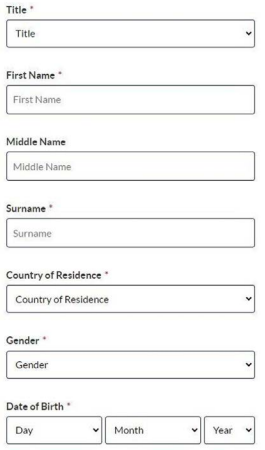
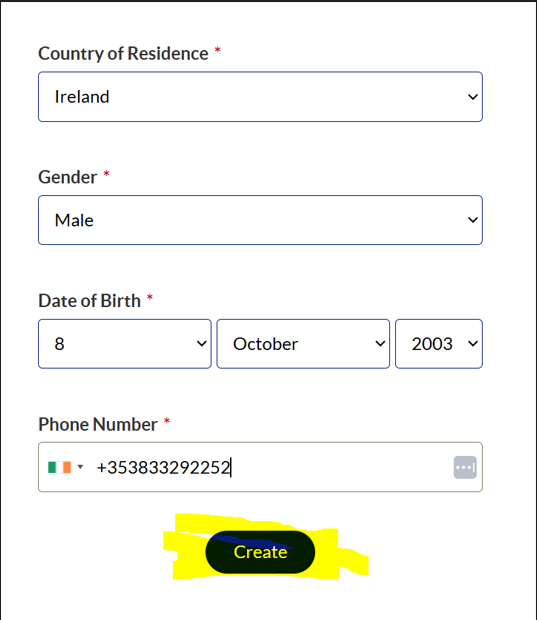
8. Fill in your personal details
9. Once you have entered these details click 'Create'
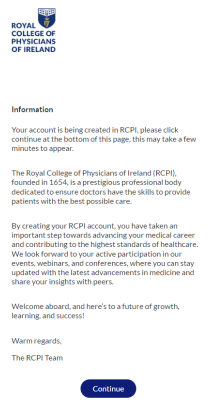
10. The Continue button will appear when ready to proceed. Click continue once it becomes available
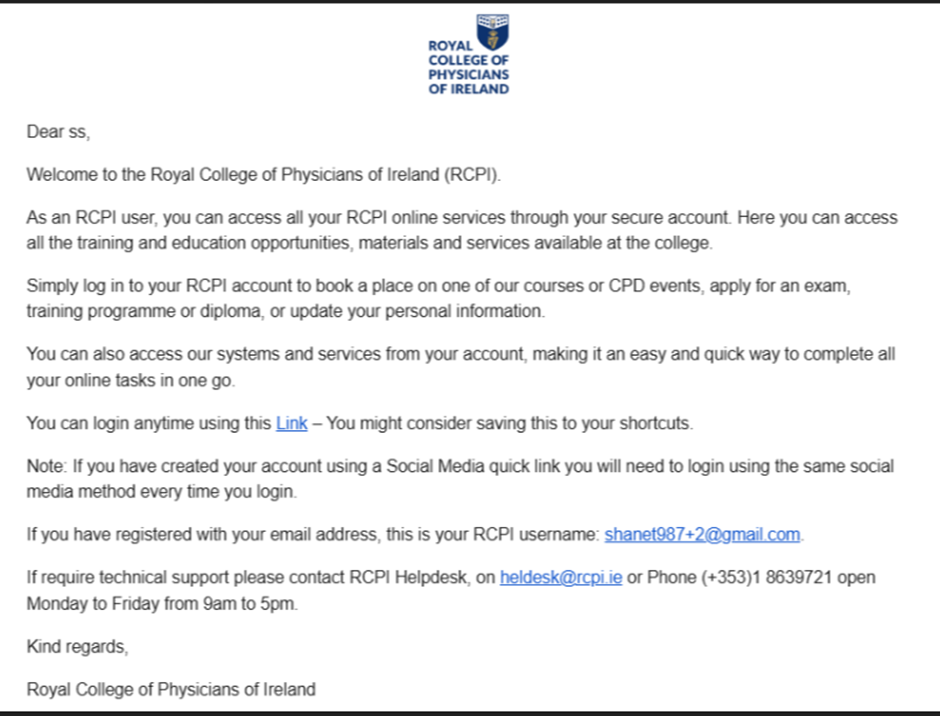
11. Receive the Welcome to RCPI email
Was this article helpful?
That’s Great!
Thank you for your feedback
Sorry! We couldn't be helpful
Thank you for your feedback
Feedback sent
We appreciate your effort and will try to fix the article