To record an absence from practice:
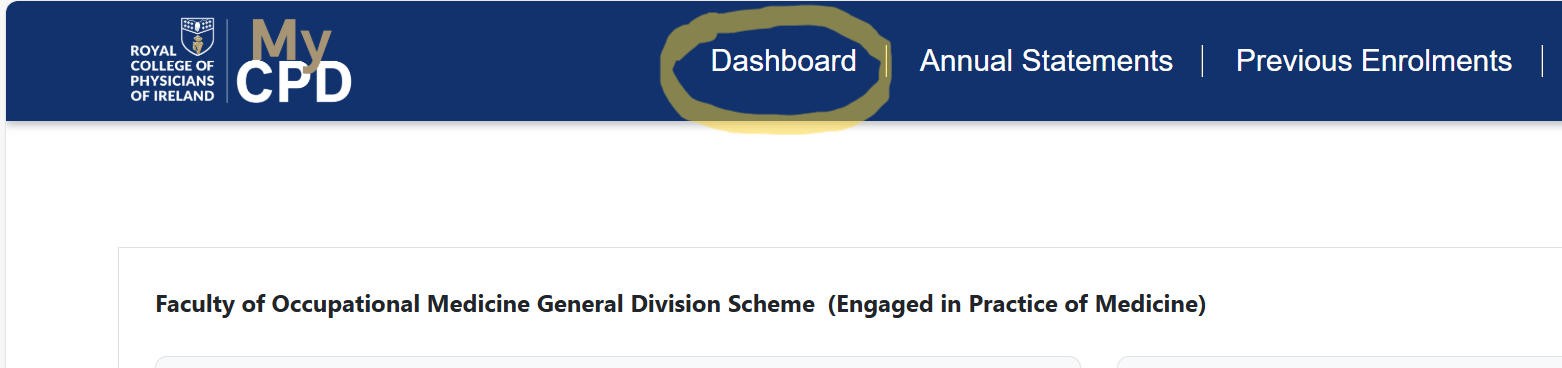
- Click on the “Dashboard” button in the top left corner.
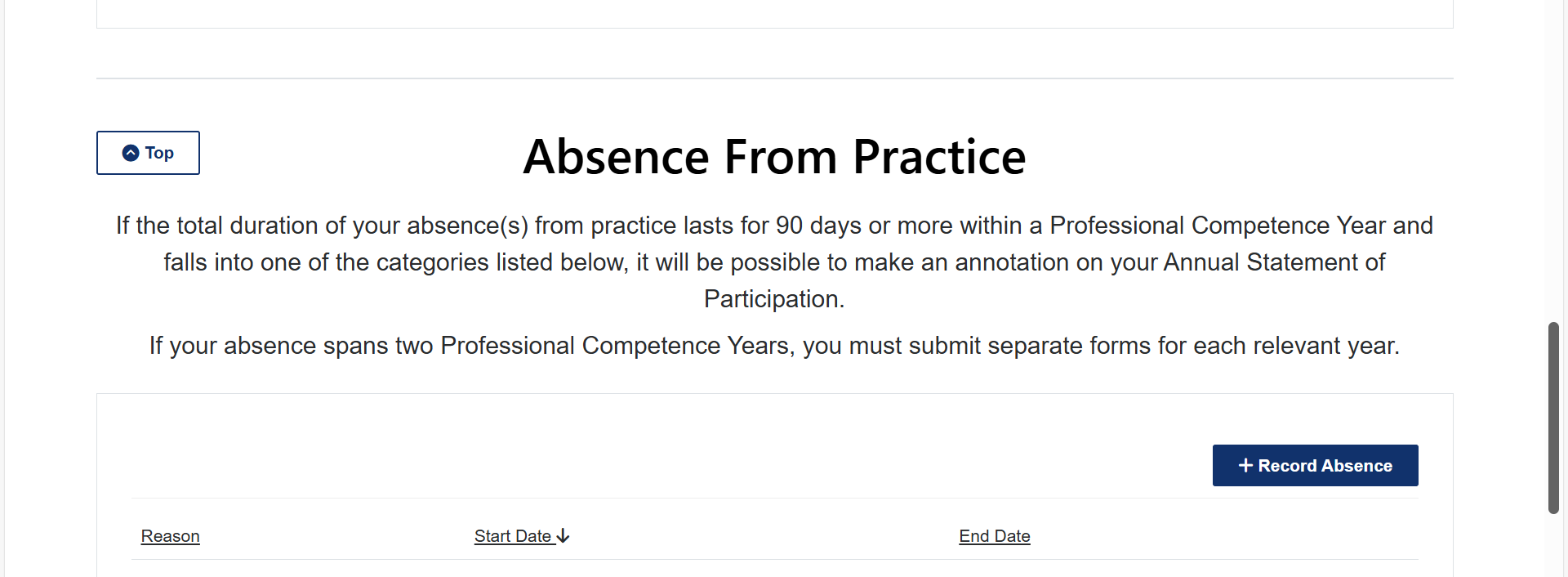
- Scroll down to the bottom of the page where you will see an option to record your Absence from Practice
Was this article helpful?
That’s Great!
Thank you for your feedback
Sorry! We couldn't be helpful
Thank you for your feedback
Feedback sent
We appreciate your effort and will try to fix the article